Summation and Transcripts
Working with testimony
With Summation and transcript testimony, you have many ways to search, find, annotate and store testimony for later retrieval or printing:
Organizing
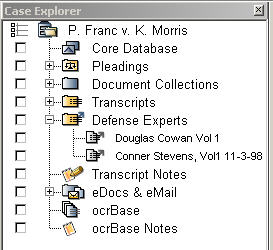
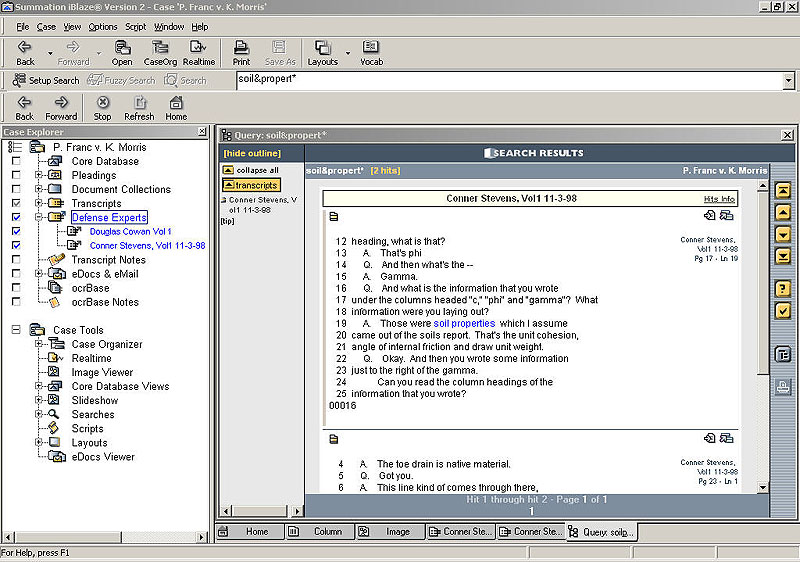
Summation includes the ability to create folders for storage of groups of deponents, to allow you faster searching of those groups. Place a checkmark in the box next to Defense Experts, and immediately search just them!
Searching
The key to successful searching revolves around entering a search term and search criteria on the search window. You are able to search as many deponents as necessary to find that crucial piece of testimony.
Linking
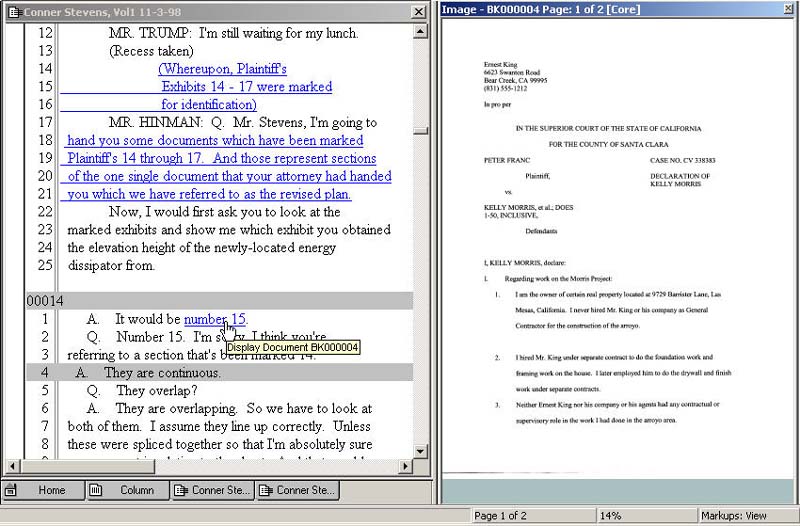
Summation's linking feature is a fast and easy tool that allows you to link to other crucial pieces in your case. For example, link imaged deposition exhibits to the exact spot in the transcript where they are discussed! You also have the ability to link to other testimony, web sites and other documents on your Windows system, with functionality similar to hyperlinking.
Annotating/Notes
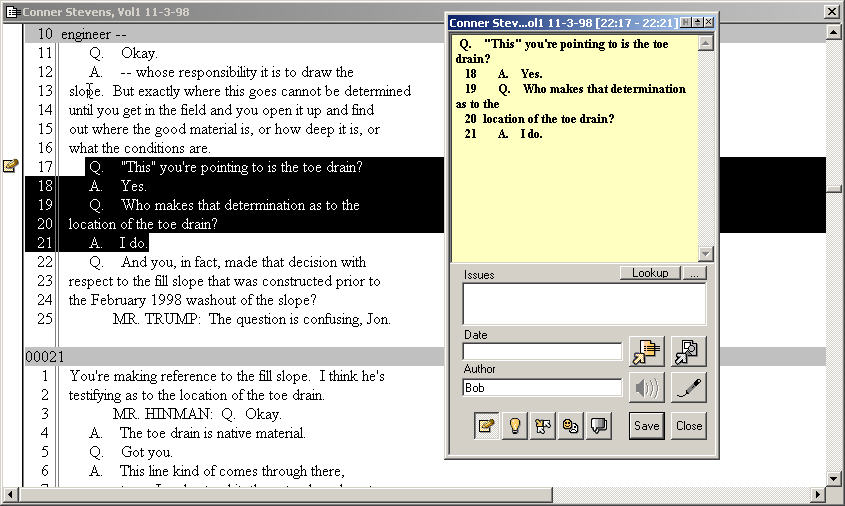
Summation allows you to fully annotate testimony with its note feature. Tag testimony with issues as they apply, include a date for referenced testimony to create quick and easy chronologies. Also use this feature for digesting testimony, or even annotating changes to testimony (such as errata).
Working with the Case Organizer
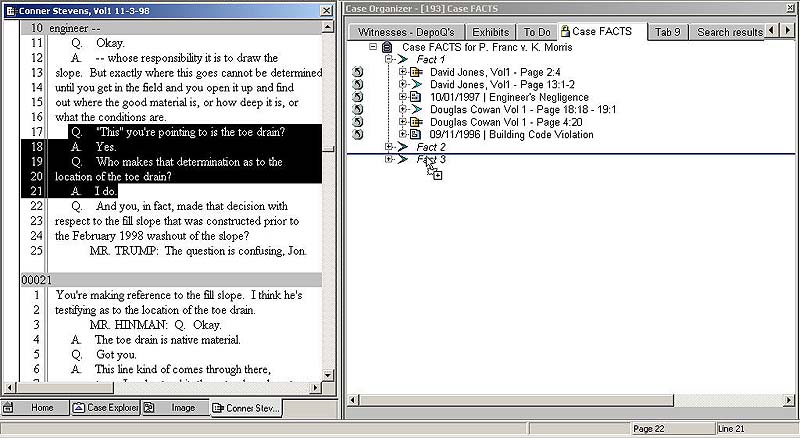
Once you find the key testimony you're looking for, send it to your Case Organizer, or drag-and-drop it into the Case Organizer. Either way, the Case Organizer is a fast and easy (and crucial!) way to establish facts, issues and events with supporting testimony!
Designating testimony
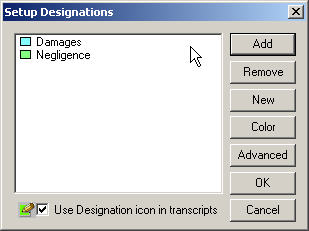
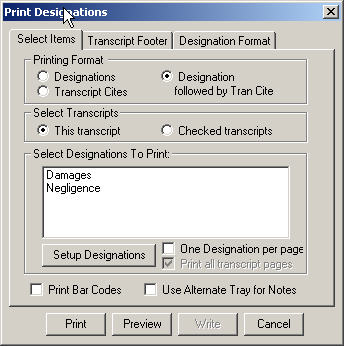
Summation has a great new way to designate testimony, using the Notes feature. Now you can color-code depo designations, and not have to go out and purchase that fifth colored highlighter to do your work!